


Introducing Crewaid

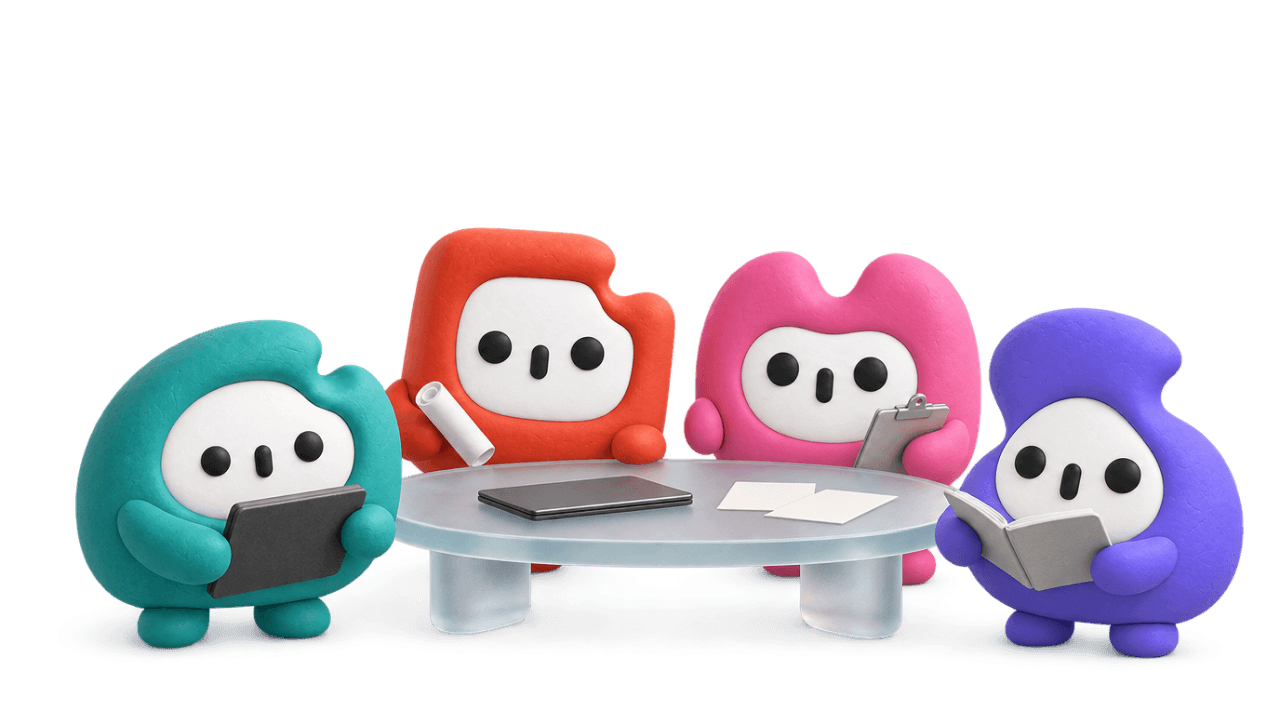
Your crew of AI teammates, each on a screen you can watch live. Take over anytime, on any model you choose.

CrewaidCrewTasksGoalsDeliverables SearchPluginsAR
Templates

Emma

Outbound writer · Idle, waiting for a job
Idle

What should Emma work on?

Send a message to get started.

Message EmmaOpus 5.5

Works with your tools.

Connect your apps and choose which assistants can use them. Give each one a job, or let them pass the work along.

  • Gmail
  • Google Drive
  • Notion
  • GitHub
  • Canva
  • Shopify
  • Google Calendar
  • Airtable
  • Asana
  • Linear
  • Stripe
  • Attio
And more

A few jobs for your crew.

Meeting prep, expense reports, and everyday admin.

Emma’s screenWorking
docs.google.com / document / northwind-brief

Northwind meeting brief

File · Edit · View · Insert · Format

Expansion kickoff

Northwind · Tomorrow, 10:00

Where things stand

Austin goes first. Budget: $24k.
The rollout date still needs a decision.

Three decisions for the meeting

  1. Which Austin team starts?
  2. Who approves the rollout?
  3. What launch date can we commit to?

Sources: Priya’s email · Scope v3.pdf

Reading the email thread

“Use Priya’s email and proposal to prepare tomorrow’s meeting brief.”

A Google Doc with the context, three decisions to make, and source references.

Emma · Meeting prep · Example workflow

Your crew works
the night shift.

“Check orders and payments every weeknight.
Have my packing list ready by morning.”

23:00

Ready before you open.

While you were away

Your crew works.
You’re in charge.

Choose what each assistant can do on its own and when it should ask. Watch its screen or step in at any time.

Your model keys and connected app tokens are encrypted before storage.

How we protect your data
EmmaExample · Ask for approval

Maya’s proposal is ready. I’ve used the scope and quote from your brief.

Brand & website proposal

Prepared for Maya Chen

Waiting for your approval

Send the proposal to Maya?

Simple pricing.

Try Starter for 7 days for $1.

10 computer hours and $1 of model use.
Then $20/month.

Hosted by Crewaid

We run the computers.

  • Computer time
  • Model use included
  • Dictation & voice messages
  • Spoken replies
  • Live calls with your bots
  • Skills, routines & handoffs

Starter

$20/month

  • Computer time100 hours / month
  • Model use$5 / month
  • Dictation & voice messages5 hours / month
  • Spoken replies30 min / month
  • Live callsPro only
  • Skills & routinesIncluded

Pro

$100/month

  • Computer timeAlways on, 24/7
  • Model use$10 / month
  • Dictation & voice messages20 hours / month
  • Spoken replies2 hours / month
  • Live calls30 min / month
  • Skills & routinesIncluded

Your own API keys work on both plans. Their model use is never charged to your plan.

Self-hosting is free.

Run Crewaid on your own machines.

Need setup, upgrades or support?

Talk to us about Custom →

Good to know.

What will you hand off first?

Start with one assistant and one job.

Try Starter for 7 days for $1. Then $20/month.

The Crewaid crew together at their workbench